Browse marketplace
The marketplace lets you browse designs and templates created by April and other users.
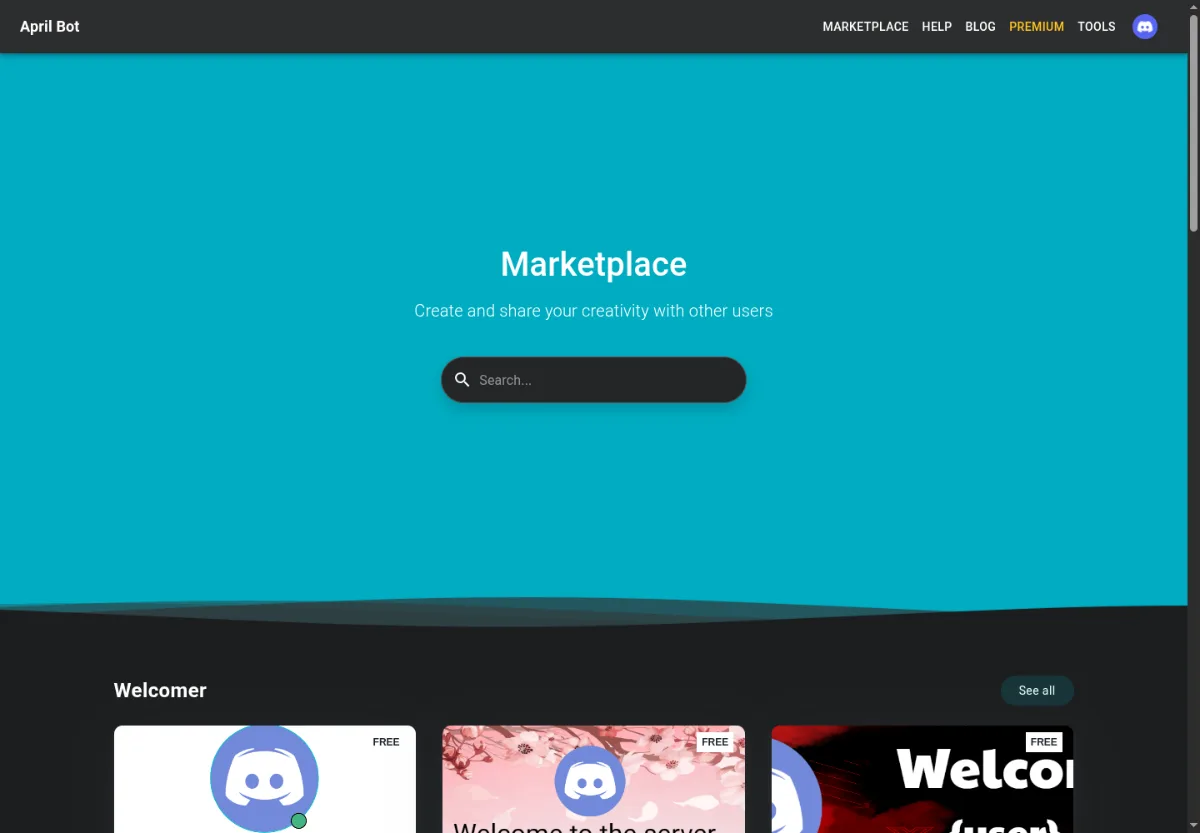
Browse content
Section titled “Browse content”- Open Marketplace from the top navigation.
- Use search to find a template, image, font, or design style.
- Open a product to review its preview and access state.
- Purchase or claim the item when available.
- Apply the item from the editor or feature page that supports it.
Access states
Section titled “Access states”- Free items can be claimed without spending credits.
- Purchased items are available to your account.
- Locked or paid items require credits or the required access level.
Choosing items
Section titled “Choosing items”Choose items that match the target feature. A welcome image template may not make sense as a rank card, and a small decorative shape may need to be applied inside an existing design.