Welcome
April Bot helps Discord communities manage onboarding, roles, moderation, images, levels, and marketplace content from a web dashboard.
Use these docs when you want to configure April from the dashboard, build member-facing messages, or troubleshoot a permission issue.
Start here
Section titled “Start here”- Invite April to your Discord server.
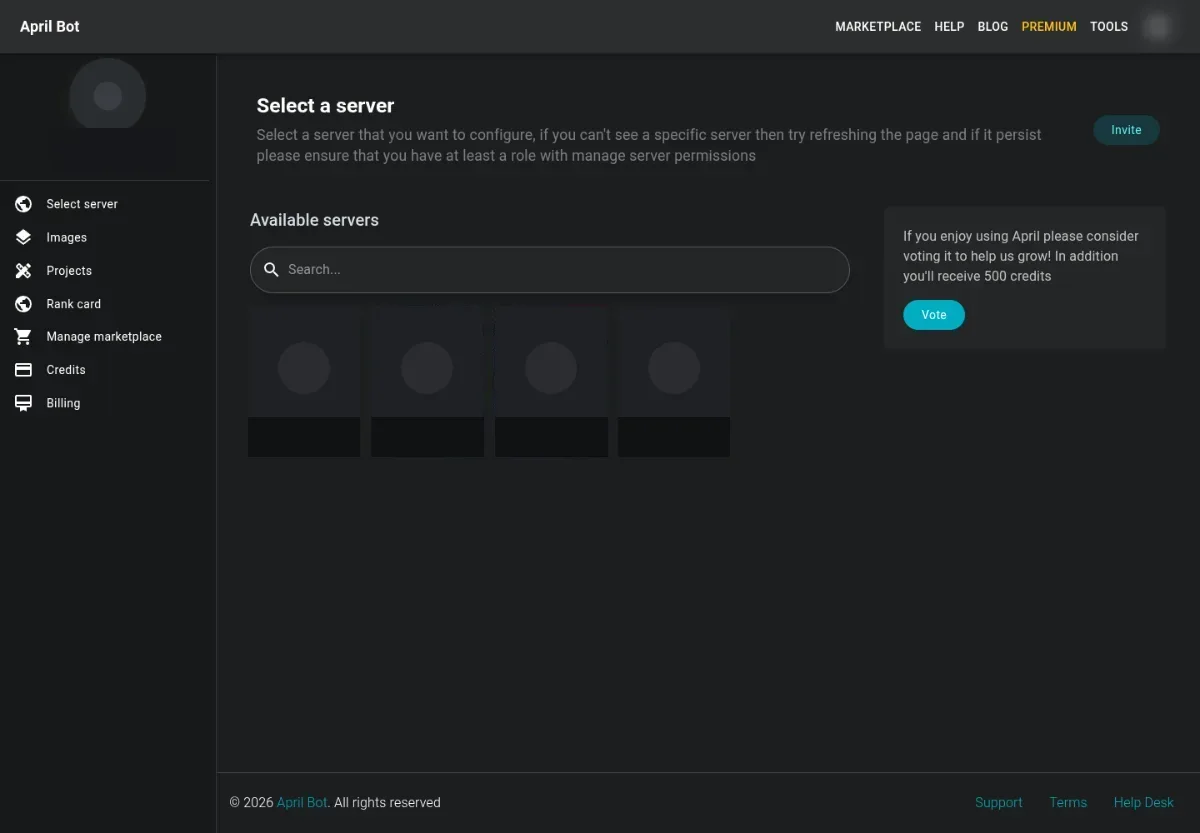
- Log in with Discord.
- Select a server from the dashboard.
- Open the feature you want to configure from the user sidebar or server sidebar.
- Save the form, then test with a normal member account when the feature affects Discord behavior.
Choose a guide
Section titled “Choose a guide”- To greet or say goodbye to members, start with Welcome messages or Leaver messages.
- To assign roles automatically or on demand, use Autorole, Self role, or Reaction roles.
- To moderate messages, configure Protection overview and Automated actions.
- To build reusable Discord messages, use Create embed messages and Formatting variables.
- To design images, use Create an image, Projects, and the Editor workspace.
Keep in mind
Section titled “Keep in mind”The dashboard only shows and saves what your Discord permissions and April’s server permissions allow. If a page looks empty, a role is missing, or a save fails, check Hierarchy before changing the configuration again.
Machine-readable docs
Section titled “Machine-readable docs”AI tools can start from llms.txt, use llms-full.txt for the complete help docs, or use llms-small.txt when they need a shorter context.