Create an image
Images are reusable designs for welcome messages, leaver messages, rank cards, marketplace products, and other visual features.
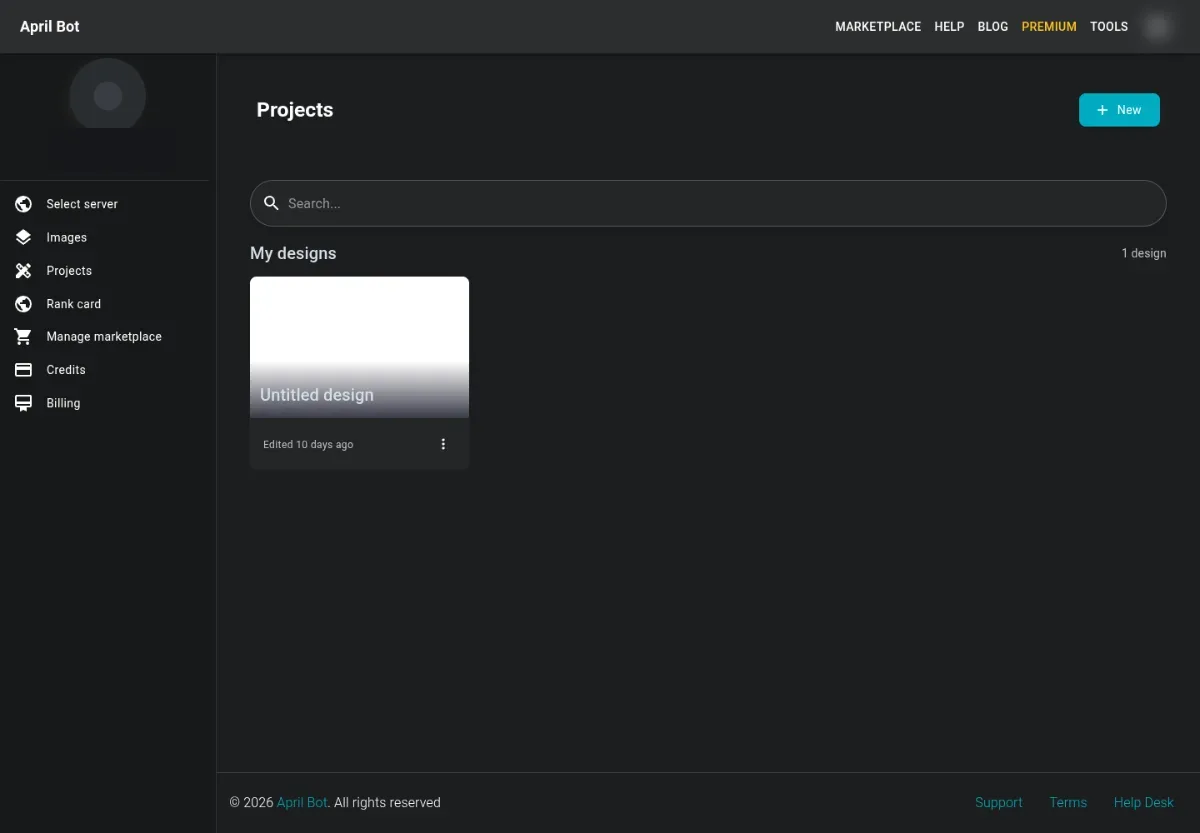
Create from the dashboard
Section titled “Create from the dashboard”- Open Images or Projects from the user sidebar.
- Create a new design or project.
- Choose a useful size for the target feature.
- Add text, shapes, images, or marketplace items.
- Save the design.
- Return to the feature page that should use it, such as Welcome messages or Rank cards.
Choosing dimensions
Section titled “Choosing dimensions”Use a wide layout for welcome and leaver images. Use a rank-card layout for rank cards. Avoid extremely large images; they take longer to render and may be harder to read in Discord.
Next steps
Section titled “Next steps”- Use custom backgrounds when the design should start from an uploaded image.
- Use Editor workspace for layer, binding, and save behavior.
- Use Marketplace when you want to start from an existing template.