Login
Log in with Discord to access your user dashboard, server settings, saved images, credits, marketplace tools, and billing.
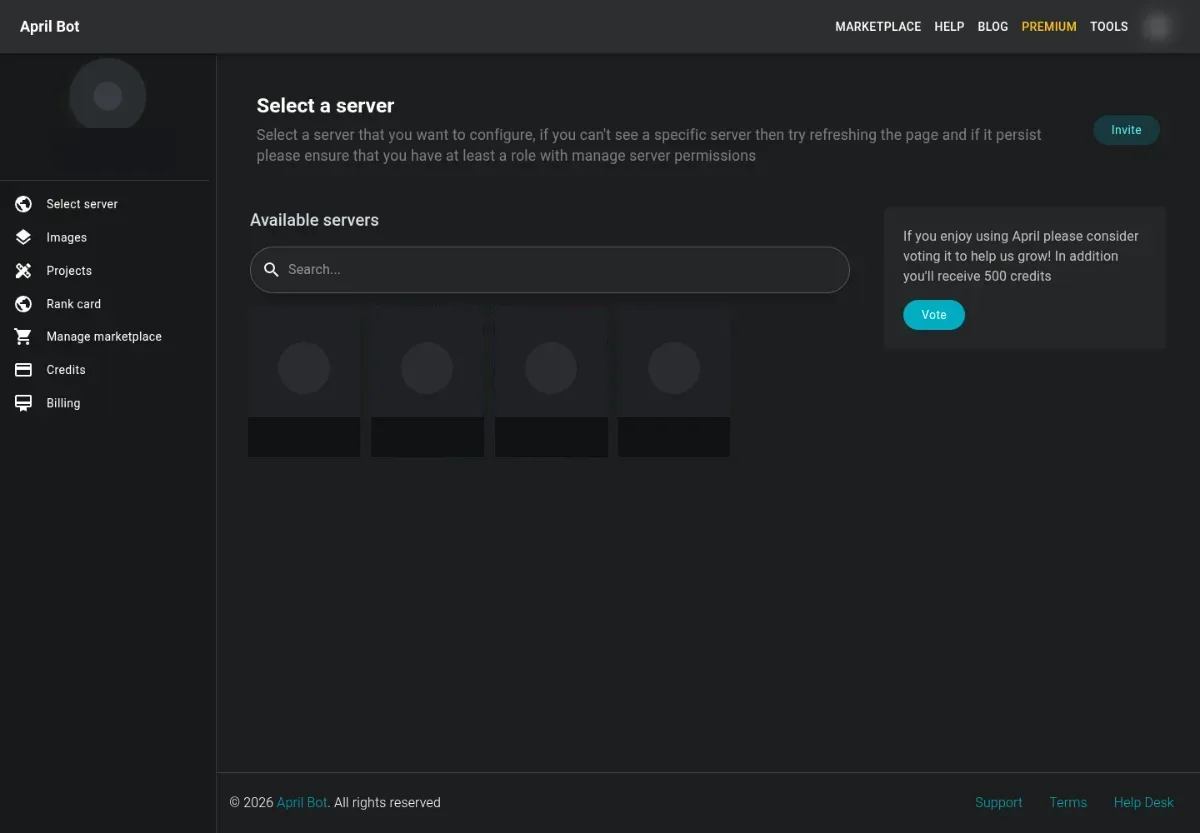
How login works
Section titled “How login works”- Open April Bot.
- Use the user menu in the top navigation to start Discord login.
- Authorize April to read your basic Discord identity and server list.
- Return to the dashboard and choose the server or user tool you need.
April uses Discord OAuth so the dashboard can identify you and list servers you can manage. April does not need your Discord password.
If login opens the wrong account
Section titled “If login opens the wrong account”- Sign out of Discord in the same browser.
- Open April again and start login from the top navigation.
- Confirm the Discord username on the OAuth screen before authorizing.
If you return to an empty dashboard
Section titled “If you return to an empty dashboard”Open Select a server and refresh the server list. If the server is still missing, make sure your Discord account has permission to manage that server.